MarginCall System Requirements
What Steam lists, what launch threads ask, and what actually runs.
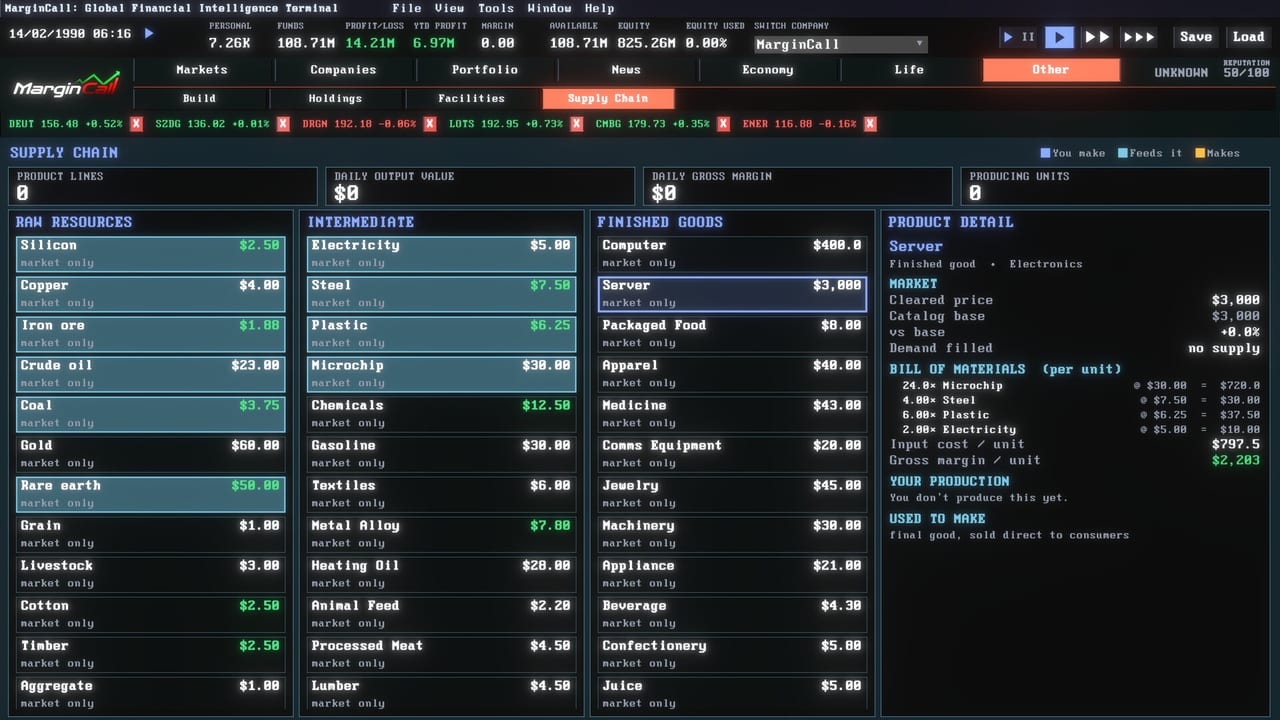
MarginCall is a Windows PC title on Steam, app 4961460, from Functionally Human. This page is the hardware and platform checklist that Steam discussions keep asking for during launch week: minimum specs, recommended specs, supported languages, Linux status, and the graphics settings that stop the terminal looking like a broken CRT.
Official Steam specs
Minimum
- OS: Windows 10 64-bit
- Processor: Dual-core, 2.5 GHz (example: Intel Core i3-4130 / AMD FX-6300)
- Memory: 8 GB RAM
- Graphics: DirectX 11 compatible, 1 GB VRAM (Intel HD 4000 / GeForce GT 730 or better)
- DirectX: Version 11
- Storage: 1 GB available space
- Sound: DirectX compatible
Recommended
- OS: Windows 10/11 64-bit
- Processor: Quad-core, 3.0 GHz (example: Intel Core i5-8400 / AMD Ryzen 5 2600)
- Memory: 16 GB RAM
- Graphics: DirectX 11 compatible, 2 GB VRAM (GeForce GTX 960 / Radeon RX 560 or better)
- DirectX: Version 11
- Storage: 1 GB available space
The install is light. The simulation is not. A living order book, hundreds of AI desks, a bill-of-materials economy, and chart panes all share one clock. If you meet minimum RAM but keep twenty browser tabs and a recording overlay open, expect hitching when you raise sim speed. Prefer the recommended column if you want the charting suite and production visualiser open at once.
Platforms: Windows only on the store
Steam lists single-player Windows. Launch-week threads ask about Linux and Steam Deck. There is no official Linux build on the store page. Proton may work for some players; it is unofficial and unsupported by this wiki. If you try it, verify game files after every Steam update, keep CRT and Glow off first, and do not treat a black screen as a missing feature in Controls. Mac is not listed either.
Price on launch week sat at $14.99 with an introductory cut to $11.99 through 2 September 2026. Confirm the live offer on the Steam store page. Reviews early after launch sat Positive around 80 percent of a small sample; that is a mood check, not a warranty.
Languages the game ships
Steam interface support includes English, German, Japanese, Korean, Polish, Portuguese (Portugal), Russian, Simplified Chinese, French, and Spanish (Spain), with full audio and subtitles flagged on the store matrix. Localisation notes from July and August targeted CJK table alignment, German settings-window growth, and a global minimum font size. If a column still clips, change UI scale before assuming the data is wrong.
This fan wiki localises English, French, German, and Spanish articles. Use the in-game language picker for the rest of the Steam list. Switching language mid-run is fine; pausing the sim while you change themes or locales avoids reading half a header in one language and half in another.
Graphics settings that matter on day one
CRT display mode and Glow shipped on by default in an earlier July note and were flipped off by default in the 19 August hotfix. If your first boot looks like a melted monitor, open Settings → Graphics and turn CRT and Glow off before you file a bug. Seven colour themes live there too: Terminal Green, Amber Terminal, Midnight Bloomberg, Arctic Ice, Solarized Dusk, Synthwave, and Paper. Selecting a theme pauses the sim until you hit Play. Screens still populate while paused, so header figures and the book are not zero on entry.
DOS versus Standard text, Accessibility options, and the full General / Graphics / Audio / Language tree all live in the rebuilt main-menu settings. Confirm those before you blame the GPU for a layout that is actually a font-size choice.
When graphics still look wrong
Launch threads reported graphics bugs and pinned companies sliding off-screen. Try, in order:
- CRT and Glow off.
- A lower UI scale and a different colour theme.
- Restart the client, then Verify integrity of game files on Steam.
- Drop sim speed while many chart studies are open.
- Unpin crowded watchlists and walk names with arrow keys on company screens.
If the book is correct but the panel is not, that is a UI ticket for Steam discussions, not a reason to 20x a name you cannot see. Park the friction on known issues mentally, cut size, and keep playing only what you can read.
How this page fits the rest of the wiki
Hardware readiness is not the same as market readiness. After you confirm Windows, DirectX 11, and readable panels, open Getting Started for the first hour, How to Trade for the ticket, and the margin calculator before leverage. Official destinations stay on the Links Hub. Patch behaviour that changed leverage, crypto, and subsidiaries lives on patch notes.
Buy the game on a machine that meets the list. Play it on a screen you can actually read. The market will not wait for a driver update, and neither will the margin monitor.
Frequently Asked Questions
Direct answers drawn from the same mechanics this wiki covers in depth.
Does MarginCall run on Linux or Steam Deck?
Steam lists Windows only. Proton is unofficial. There is no Linux build on the store page at launch.
How much disk space does MarginCall need?
Steam lists about 1 GB. Keep extra free space for Steam updates and screenshots.
Why does the screen look washed out or CRT-heavy?
Turn CRT and Glow off in Graphics. The August hotfix made those the defaults for new installs.
Which languages does the game support?
Steam lists ten interface languages including English, French, German, and Spanish. Pick them in Settings → Language.